Report builder
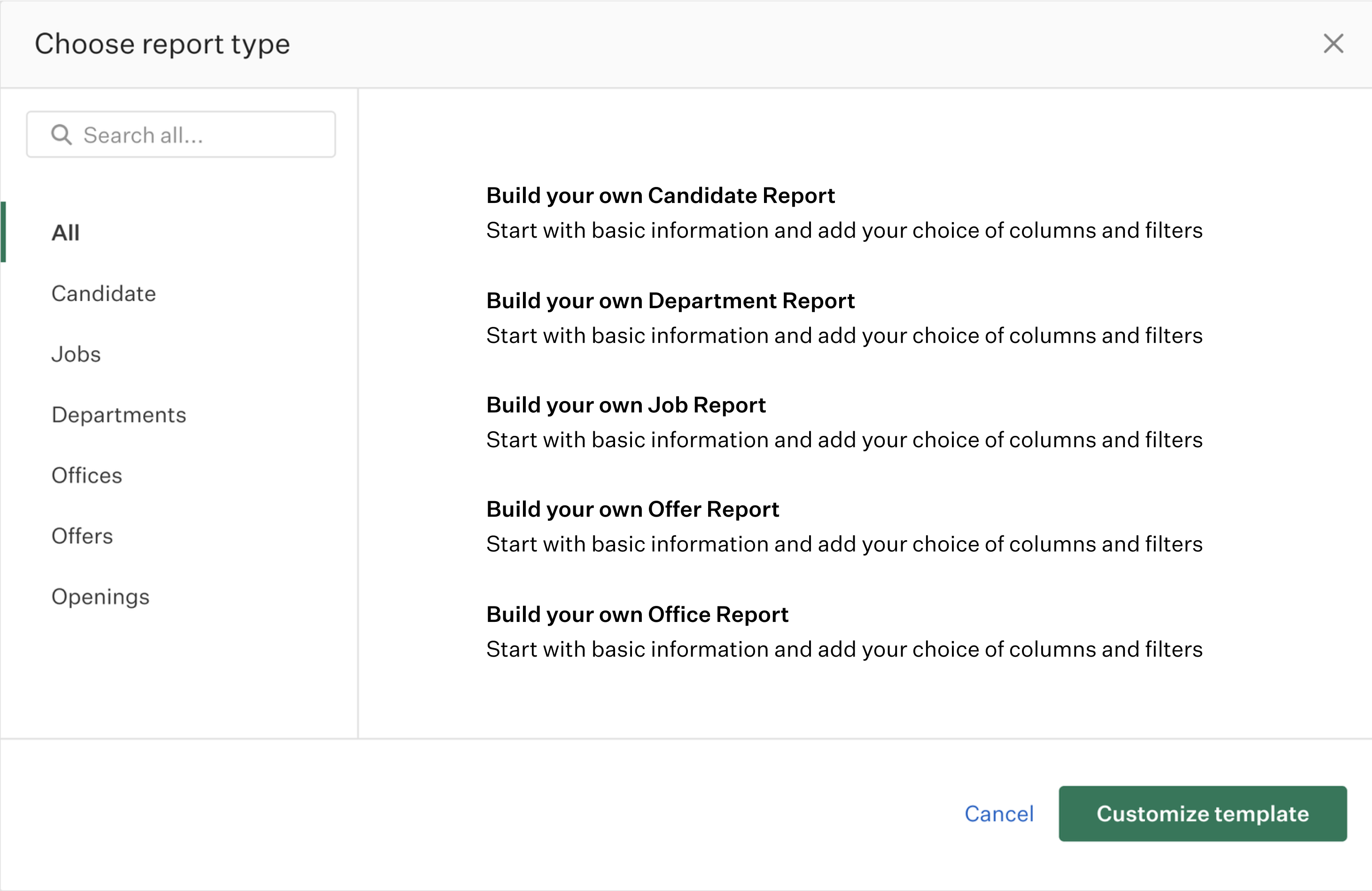
Choose what type of report best answers the question specific to your organization
Report builder
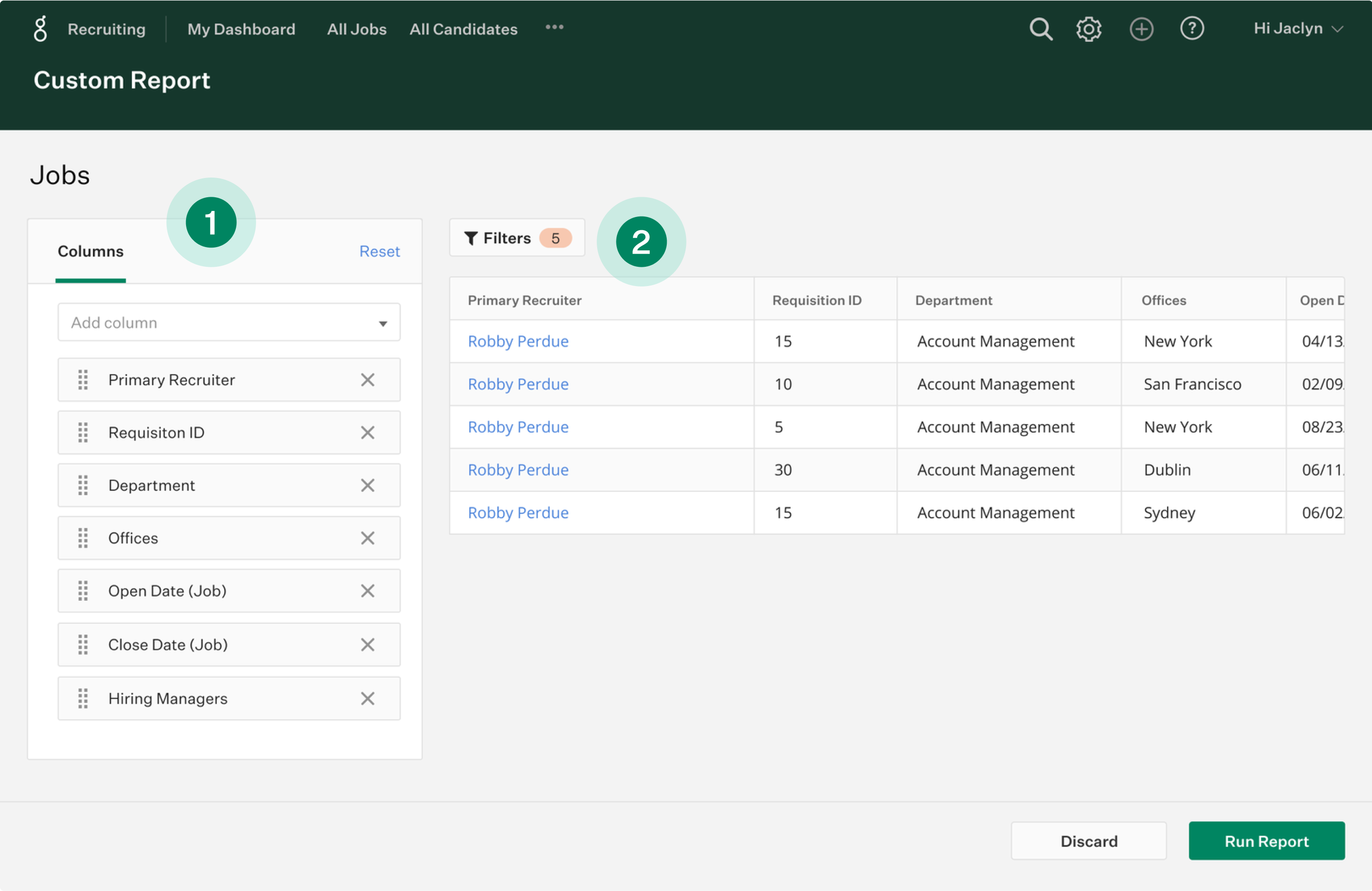
Use boolean search and multi-layer filters to customize your metrics
- Add columns of data to your report and move them around
- Live preview automatically visualizes your data as you add filters
Report builder
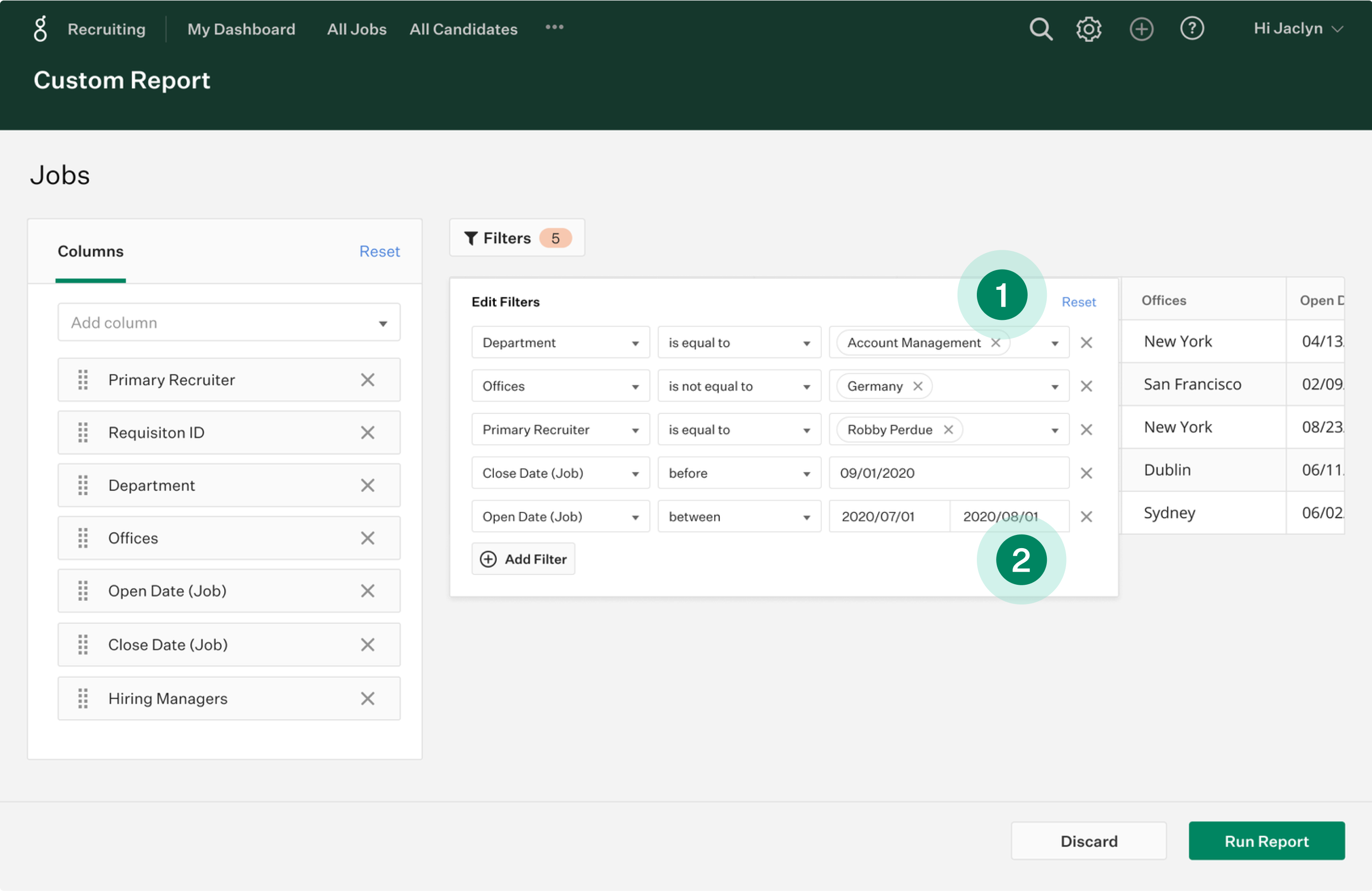
Use boolean search and multi-layer filters to customize your metrics
- Use boolean search for more robust insights
- Add dates to measure overall quarterly or annual trends
Report builder
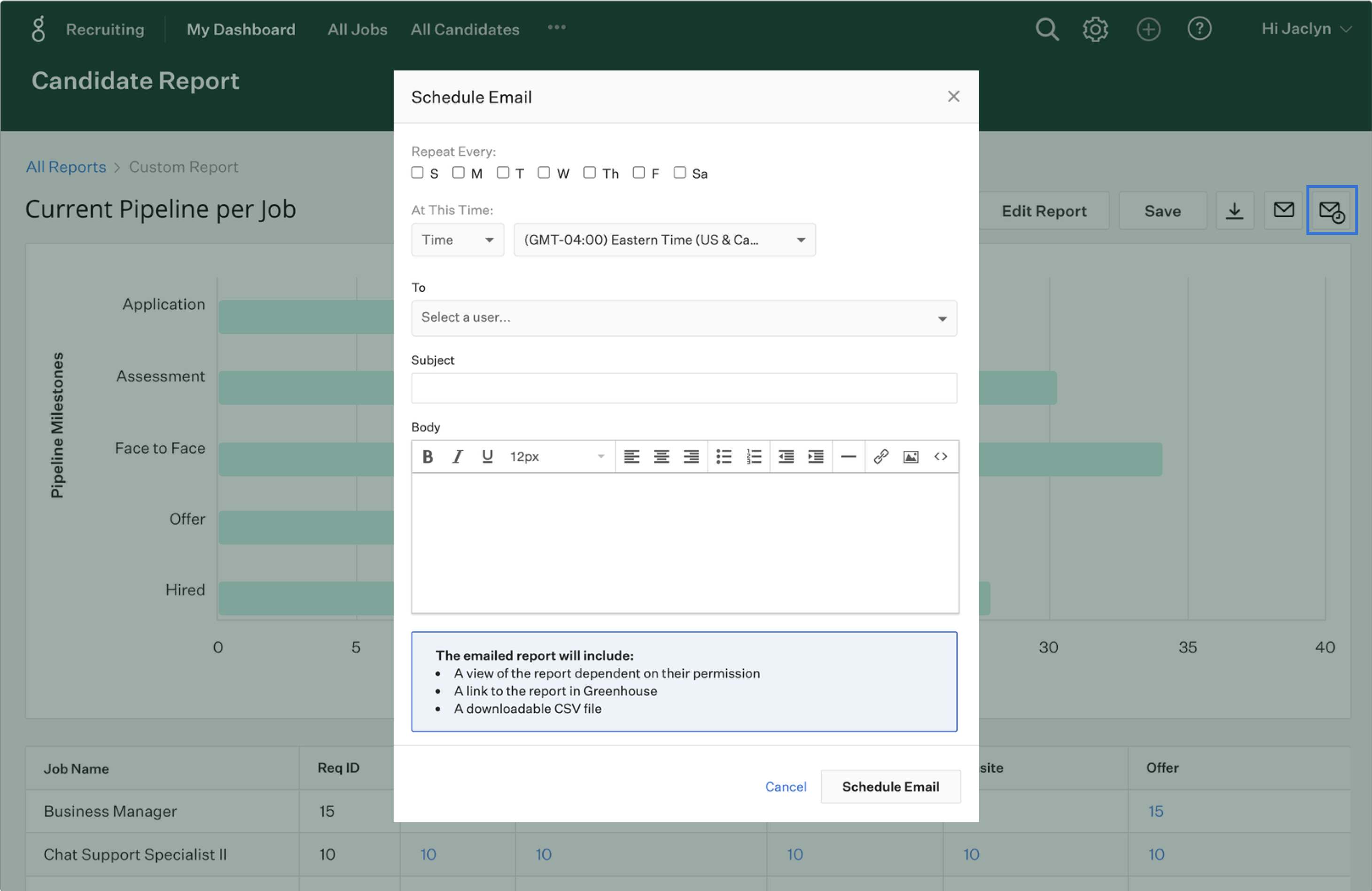
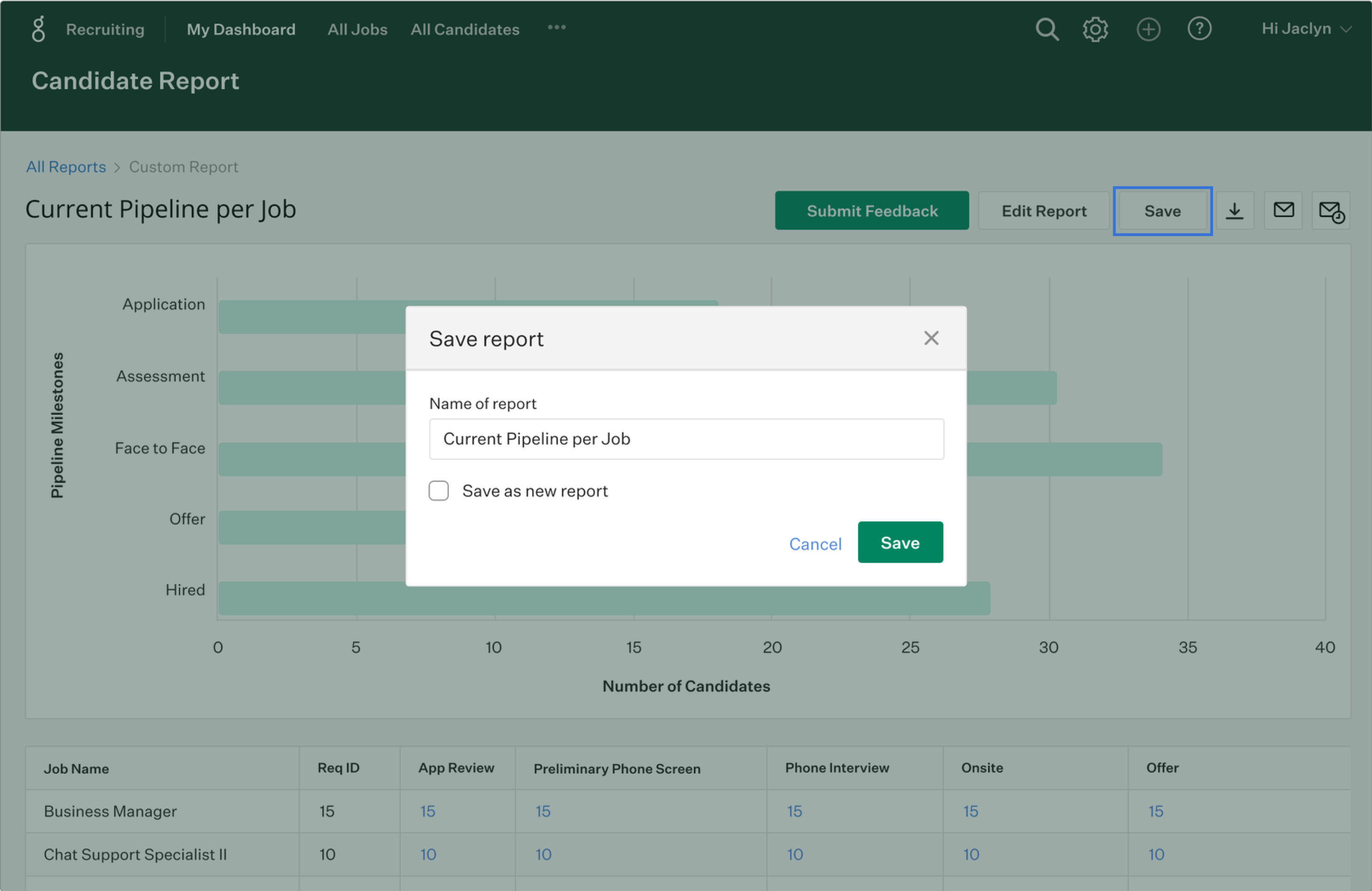
Save and schedule your report to give everyone in your organization the actionable insights they need to make data-driven decisions

Report builder
Save and schedule your report to give everyone in your organization the actionable insights they need to make data-driven decisions
Report builder
Save and schedule your report to give everyone in your organization the actionable insights they need to make data-driven decisions